

RuneSpace / Update
How to get it
Published
The Mission Log now has a Sources button beside every item a Mission is still waiting on. It tells you how that item can be made, mined, bought or traded — and what you need first.
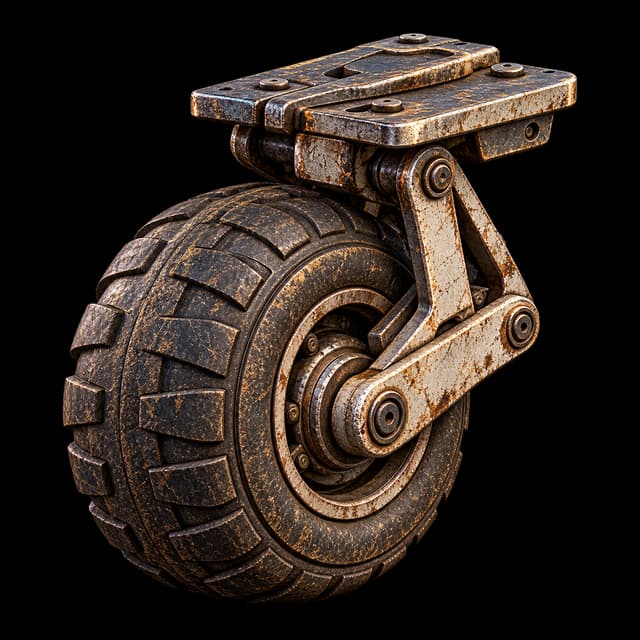
A Mission tells you what it needs. It never told you how to get it, and a Wheel Assembly is easy to forget the recipe for. Open the Mission Log, find an item a Mission is still waiting on, and tap Sources. See Missions for how the Log works.
The details list every way you can get that item that you know about: the recipe that makes it and where, the mine it comes from, the merchant who sells it and for how much, the daily claim, an occasional find while walking, and trading with another player. What you can use right now comes first. A recipe you are not high enough level for is still listed, with the level it needs, so you can decide whether to level up, buy or trade instead.
Each ingredient in a recipe has its own Sources button, so you can follow a Wheel Assembly down to its Galvanic Stock and on to the ore it starts as, and step back out the same way. Things you have not come across yet are not shown. The list only grows as you do.
Opening Sources never changes your Mission, its objective or where it points you. It is a reference, and the compact Missions strip stays exactly as short as it was.
Patch notes
Added
- A Sources button beside every item or repair material an active Mission still needs, opening a short list of the ways you can get it.
- Recipes you cannot use yet appear locked with the level they need, below the ways you can use now.
- Recipe ingredients can be opened in turn, with a Back button, so you can follow a part down to its raw material.